
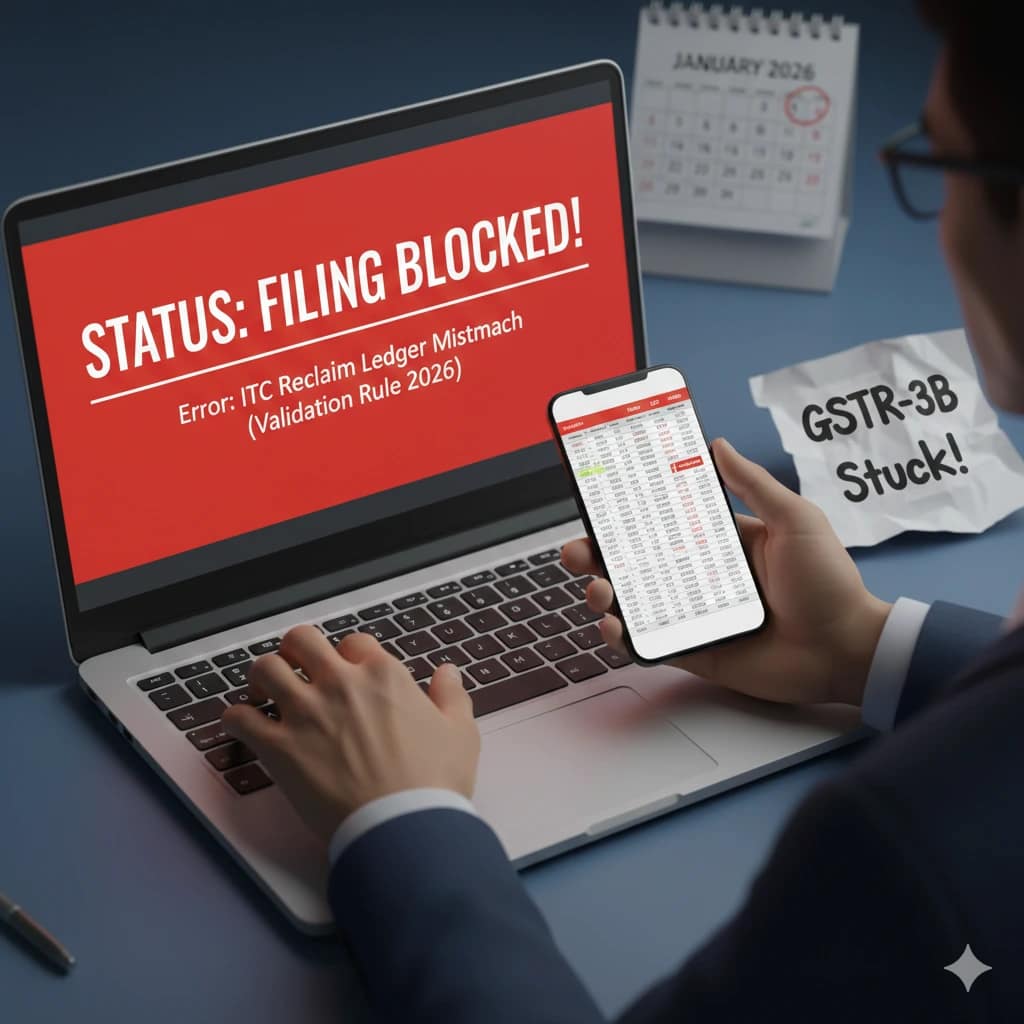
If you logged into the GST portal this week to file your monthly returns and found that the “File” button is disabled or greyed out, you are not alone. As of January 1, 2026, the GST Network (GSTN) has shifted from “Soft Validation” (warnings) to “Hard Validation” (blocking).
The primary culprit behind this frustration is the Electronic Credit Re-claim Ledger. For many accountants and business owners, this is a new hurdle that requires a deep understanding of how Input Tax Credit (ITC) flows through the system.
In this comprehensive guide, we will break down why your GSTR-3B is blocked and exactly how you can fix it to remain compliant.
1. What is the New ITC Re-claim Ledger Validation?
Think of the Electronic Credit Reversal and Re-claimed Statement as a specialized digital wallet. This ledger was introduced to track ITC that was previously reversed (due to reasons like non-payment to suppliers within 180 days) and is now being reclaimed.
In 2026, the portal’s logic is simple but strict: You cannot reclaim more than what you have previously reversed. ### The Mathematical Formula Behind the Block:
The portal now runs a real-time check. Your filing will be blocked if:
Total ITC Reclaimed (Table 4D1) is greater than (Opening Balance in Ledger + Current Month Reversals in Table 4B2).
If your entry in Table 4D1 exceeds this total, the system assumes you are trying to claim “double credit” or “unauthorized credit,” and it prevents you from proceeding to the filing stage.
2. Top 3 Reasons Why Your Filing is Currently Blocked
A. Reporting Reclaim Without Prior Reversal
The most common mistake is entering an amount in Table 4(D)(1) when your ledger balance is zero. If you haven’t historically reported a “Temporary Reversal” in Table 4(B)(2), the portal has no record of you having any credit to “reclaim.”
B. Confusing Table 4(B)(1) and 4(B)(2)
This is where most data entry errors happen.
-
Table 4(B)(1) is for Permanent Reversals (Ineligible ITC, Rule 38, 42, 43). This does NOT go into the reclaim ledger.
-
Table 4(B)(2) is for Temporary Reversals.
If you mistakenly put a reversal in 4(B)(1) but try to reclaim it later, the portal will block you because 4(B)(1) amounts are “gone forever” in the system’s eyes.
C. Mismatch in Opening Balance
When the ledger was first introduced, taxpayers were asked to report their “Opening Balance” of pending reclaims. If you missed that window or reported a lower amount than what is in your books, the portal will block any reclaim that exceeds that reported limit.
3. Comparison Table: Understanding Table 4 Structure
To avoid blocks, your data must align with this logic:
| Section in GSTR-3B | Description | Effect on Ledger |
| Table 4(B)(2) | Others (Temporary Reversals) | Increases Reclaimable Balance |
| Table 4(D)(1) | ITC Reclaimed (Previously Reversed) | Decreases Reclaimable Balance |
| Opening Balance | Past pending reclaims reported | Starting Point for Reclaims |
4. Step-by-Step Guide to Unlock Your GSTR-3B Filing
If you are stuck right now, follow these steps to resolve the error:
Step 1: Check Your Actual Ledger Balance
Don’t rely on your internal Excel sheets alone. Log in to the GST Portal and go to:
Services > Ledgers > Electronic Credit Reversal and Re-claimed Statement.
Note down the “Closing Balance.” This is the maximum amount you can put in Table 4(D)(1) for the current month.
Step 2: Correct the Table 4D1 Entry
If your intended reclaim is ₹1,00,000 but your ledger shows only ₹80,000, you must reduce your entry in Table 4(D)(1) to ₹80,000. The remaining ₹20,000 can only be claimed after you rectify the past reversal errors or report the discrepancy to the jurisdictional officer.
Step 3: Handle Negative Balances
If you have accidentally reclaimed more in the past, your ledger might show a Negative Balance. To fix this, you will need to “pay back” the excess credit by adding it to your output liability or reversing it in the current month’s Table 4(B)(2) without a corresponding claim.
Also Read :- GST Registration Suspended? Don’t Panic! How to Fix the Rule 10A Bank Detail Error in 5 Minutes
Step 4: Use the “Initiate Drop Proceedings” (If Applicable)
In some cases of technical glitches where your bank details or previous notices are causing a secondary block, ensure you check the “Notices and Orders” tab to see if any automated system blocks need to be cleared first.
5. Pro-Tips for 2026 Compliance (gstandtax Expert Advice)
As the GSTN moves toward a more automated, AI-driven environment, follow these best practices:
-
Monthly Reconciliation: Reconcile your GSTR-2B with your Purchase Register and the Reclaim Ledger every single month.
-
Screenshot Your Ledgers: Before filing, take a screenshot of your Electronic Credit Ledger and Reclaim Statement.
-
Correct Reporting: Ensure that reversals due to non-payment to suppliers (180-day rule) are strictly put in Table 4(B)(2) and nowhere else.
-
Audit Trail: Maintain a specific “Reclaim Folder” that contains the original invoice and the proof of the previous reversal for every amount you reclaim today.
Conclusion
The “Blocked Filing” status is the portal’s way of ensuring that no taxpayer accidentally claims more ITC than they are legally entitled to. While it may seem like a hurdle, it actually helps prevent future high-interest demands and litigation. By aligning your accounting practices with the Electronic Credit Re-claim Ledger, you can ensure smooth, error-free filing every month.
Are you still facing a specific error code like “System Error: Ledger Validation Failed”? Leave a comment below with your specific scenario, and our tax experts at gstandtax.com will guide you through the solution!